Want to know how to write an Email Newsletter, here are some ideas!
John R Ramos • January 30, 2020
First of all, let me tell you that Email is a time-tested tool to drive sales and conversions. In fact, the latest statistics show that more than 68% of marketers say that email is their biggest source of ROI. Moreover, consumers across all industries prefer hearing from businesses via email.
Of course, the most effective newsletters take more than simply drafting something and clicking send. To successfully engage with your subscribers, your newsletter must entice readers and encourage them to interact with your content.
The key to doing this? Crafting an email messages that inspire readers to act.
Here are three ideas for writing a Newsletter people actually read
(this is by no means a conclusive list of ideas)
1. Begin with the end in mind
Before writing your newsletter, consider…
• What is the goal of your newsletter?
• Why are you sending it? What do you want your reader to gain from your message?
Having clarity on your end goal helps keep your newsletter intentional and purposeful. This objective will serve as a guide to ensure you’re keeping the subscriber top-of-mind in addition to accomplishing your content goals.
One way to start with the end in mind is to establish your call to action (CTA).
For optimal results, focus on one CTA. For instance, your newsletter might be trying to get users to make a purchase, sign up for a free trial of your service, or something else. Whatever your ultimate goal is, having two or more CTAs can confuse your reader’s attention.
2. Craft an intriguing subject line
Your subject line creates the first impression of your newsletter emails. It determines whether or not your subscriber decides to bother clicking—as such, you need to make it enticing.
To create a click-worthy subject line, keep these tips in mind:
- Mention the benefit. What’s in it for the reader? If they can immediately glean value from your subject line, they’re more inclined to read on.
- Keep it short—ideally less than 50 characters. The majority of users view emails on their mobile devices, where screen space is limited. Make your subject line succinct and to the point to help subscribers easily digest your topic.
- Use numbers. Whether to introduce a list or share an interesting stat, numbers perform well because they are specific and evoke curiosity.
- Make your subject line actionable. Use phrases that incite action and a sense of urgency, like “Don’t wait” or “Last chance.”
- Don’t mislead your subscribers. In other words, avoid a subject line that deceives or over-promises—you can expect readers to unsubscribe if you do.
Should I use Emojis: yea or nay?
According to Forbes, 66% of brands that used an emoji in their email subject line reported a higher open rate than those did not include an emoji. Adding emojis offers a touch of humanization, making your company relatable.
Of course, it’s worth considering whether your industry is “emoji-compatible.” A newsletter for a legal company may seem overly casual and out of place. Add pizzazz with emojis only if it matches your brand voice and industry.
3. Make the body of your email concise and interesting
Your readers clicked on your email—now what?
The body of your email is your opportunity to connect with your subscriber. But with an average attention span of 8 seconds, you’ll have to capture them right away…and keep them engaged.
I suggest the following:
- ask a question
- highlight a benefit,
- or tell a story.
Whichever route you choose, make it interesting but concise. The key is not to overindulge but to give readers enough information to nurture the relationship and offer solutions.
How long should your newsletter email be? According to Constant Contact, emails with 20 lines of text (or roughly 200 words) generally perform best in terms of click-through rates.
Remember this:
your email content should align with your ultimate digital marketing goals. In other words, it should follow a content strategy that supports your end objective. Whether it’s to increase engagement, boost lead conversions, or drive traffic to your site, identifying and documenting your content strategy positions you to achieve your company’s marketing goals.
This is a good one, I am always asked should I use HTML or Plain Text Emails
So, if you are debating between whether to use HTML in your emails or take a plain text approach. However, you don’t know which one performs better for email newsletters?
Just as their name suggests, plain text emails are simple in nature and lack the styling enhancements of their flashy HTML counterparts. This makes them load faster and compatible with every device. HTML emails, on the other hand, tend to be more visually engaging but run a greater risk of getting caught in a recipient’s spam filter. Not to mention, with HTML emails, you need a responsive email builder tool so that your emails will also work on mobile devices.
What does the research say about these two types?
When it comes to email marketing newsletters, there’s a strong case for using both.
According to research from HubSpot, users generally claim to prefer HTML emails. Yet in spite of this, HubSpot’s A/B tests showed that simpler emails generally performed better with regard to open and click-through rates.
This doesn’t necessarily mean you should throw out HTML from your emails, though. Take a hybrid approach instead.
One solution is to give readers the option of receiving plain text versions of your newsletters. Or, use HTML emails but keep the coding fairly simple.
For now, let me suggest to regularly test your newsletter emails to ensure your subscribers are actually opening and reading them. Make any necessary changes along the way—and don’t be afraid to be bold. Experiment. Over time, with more insight, your newsletters will get better and better—and your subscribers will love you for it.
POST WRITTEN BY
John R. Ramos
The JR Solutions Blog
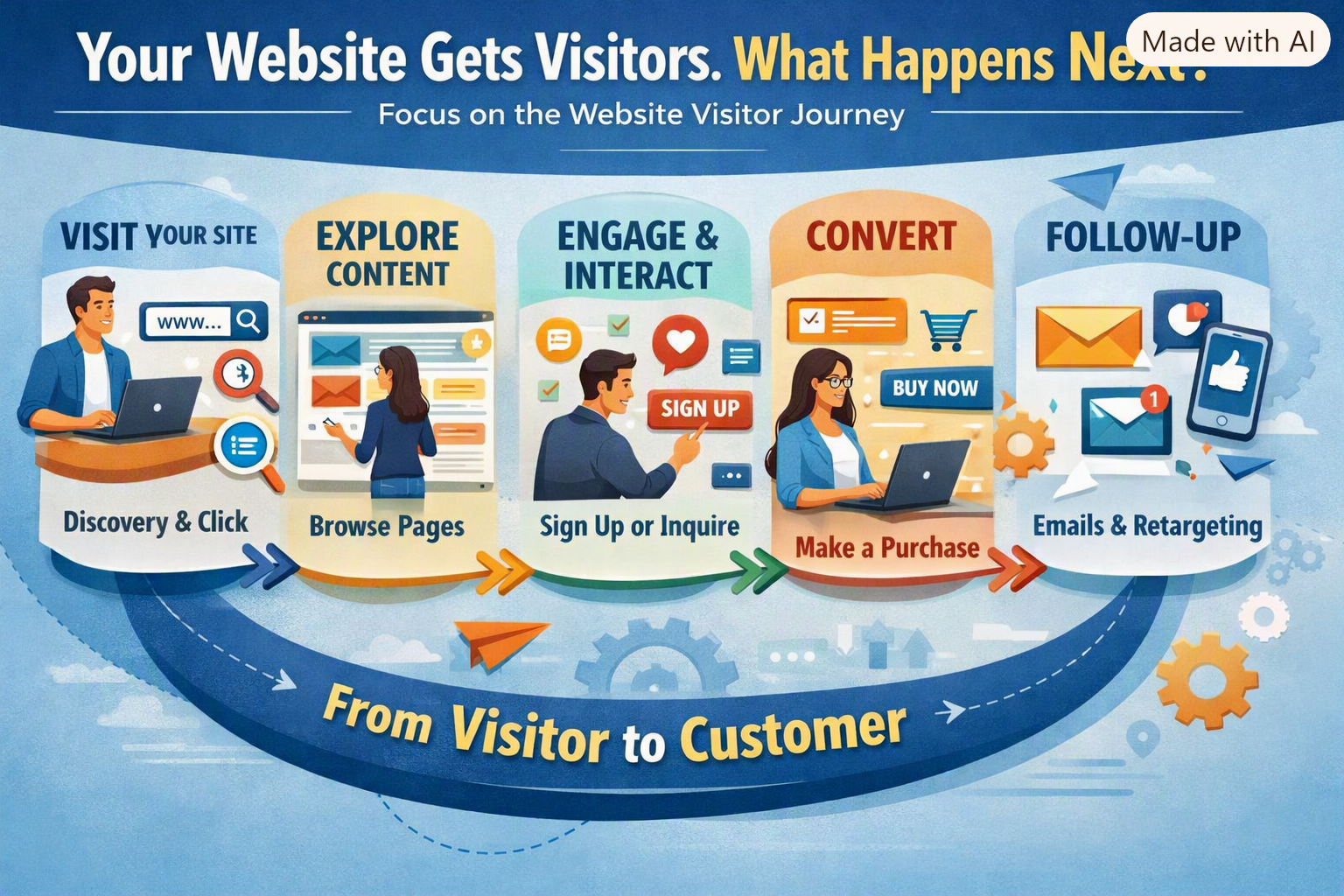
When I visit a prospect’s website, I’m trying to understand the business before we talk. What do they offer? Who do they serve? What would make someone choose them? Sometimes, the website leaves me with more questions than answers. I can find the business name and a few general statements, but I have to hunt for the information that would help me take the next step. As a business owner, you already know your services. You understand your process. You know what makes your work worth paying for. Someone visiting for the first time needs help seeing those things. Look at your website through a customer’s eyes Let’s use a hypothetical neighborhood gym. A person living nearby wants to start exercising again. They haven’t belonged to a gym in years, and they’re a little uncomfortable about walking into one. They find the gym’s website. There are photos of equipment and people lifting heavy weights. The headline says, “Reach Your Full Potential.” That sounds encouraging, but they still have questions. Are beginners welcome? Does someone explain how to use the equipment? Are there classes that fit around a work schedule? Can they visit before joining? If the website leaves those questions unanswered, making contact becomes another task they might put off. Give people something they can use For our hypothetical gym, a current class schedule would help. So would an introduction to the trainers and a short explanation of what happens during a first visit. Photos of the actual facility could help someone picture themselves there. Clear information about membership options could help them decide whether to inquire. Think about the questions people ask when they call your business. Those conversations can tell you what belongs on your website. You don’t have to answer everything. Give visitors enough information to feel comfortable continuing the conversation. Make the next step clear Suppose the gym’s main invitation is “Subscribe to our newsletter.” You know I believe in newsletters. Email marketing has been a large part of my work for 14 years. But someone considering a gym membership may first want to see the facility or speak with a trainer. “Schedule a tour” gives that person a useful next step. Explain what happens, too. How long does the tour take? Will someone answer questions about membership? Does the visitor need to bring anything? A clear invitation becomes more helpful when people know what to expect. Give interested visitors a reason to stay connected Some people will visit the gym’s website before they’re ready to join. Perhaps they’re comparing options or waiting for their schedule to settle down. Email can help maintain that connection, with their permission. Instead of simply asking them to subscribe, explain what they’ll receive. For this gym, that could mean beginner workout advice, class updates, and introductions to the trainers. Then deliver what you promised. Useful, consistent emails give people opportunities to get to know the business before making a decision. Decide what deserves attention first You may be reading this and wondering whether your website needs a complete redesign. That takes a closer look. An older design or a single-page format alone doesn’t tell us enough. Start with the information and actions your customers need. Check whether those are easy to find and use, especially on a phone. If your budget is limited, ask for a proposal that explains priorities. What can be improved within the existing site? What requires more work? What is each change intended to accomplish? You should understand what you’re paying for. Try this today: open your website and imagine you’re considering your business for the first time. Find a service. Look for answers to a few basic questions. Try to make an inquiry. Where do you hesitate? That’s a useful place to begin. At The JR Solutions, I’m preparing to add website development through a collaboration with another agency, alongside my content writing and email marketing services. If your website no longer reflects the business, you run today, let’s talk about what needs attention. Contact me at john@thejrsolutions.com
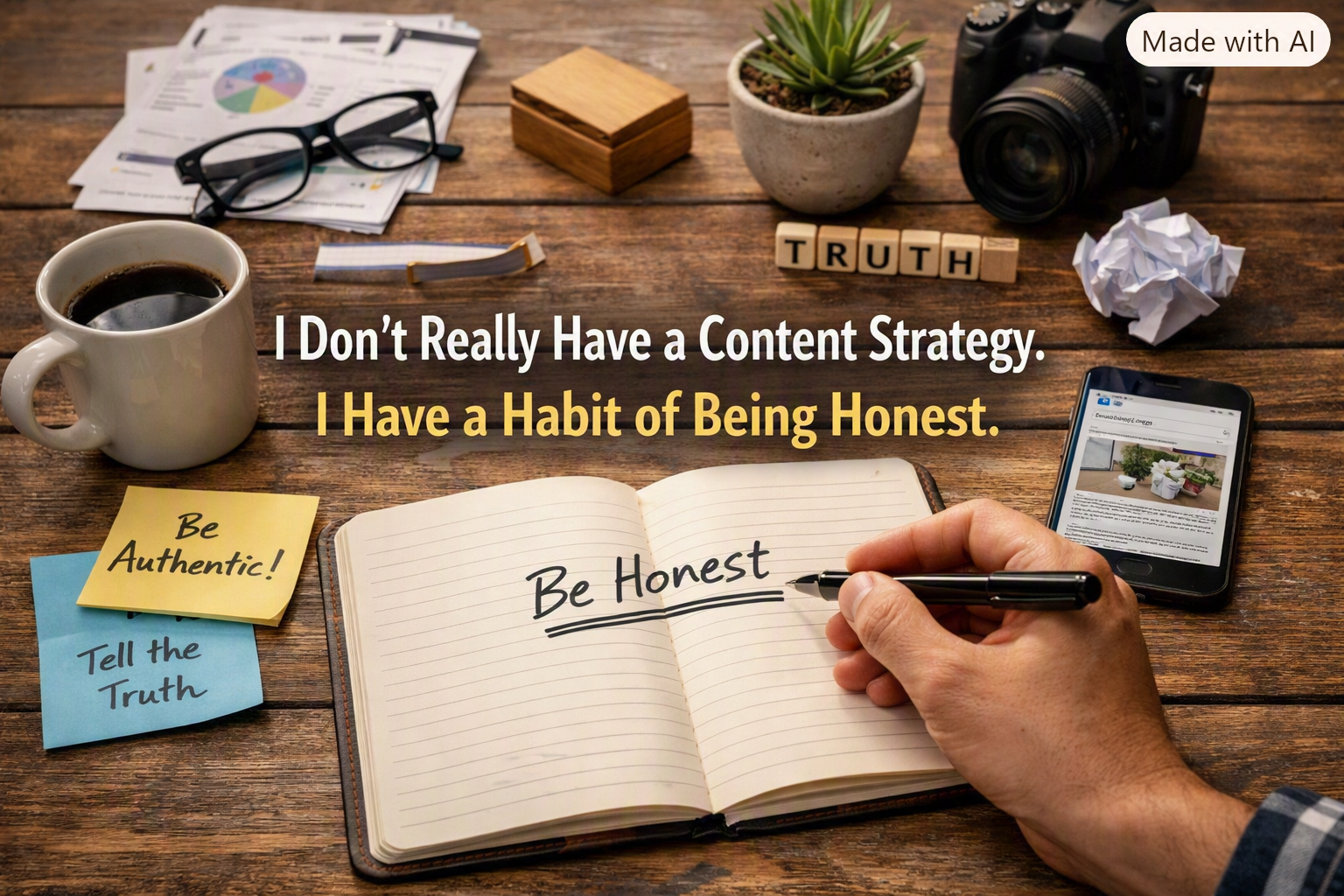
Part 3 of 3: how three articles about my own business became one lesson. Part 1 was about a process I thought I knew by heart. Part 2 was about a process I forgot I ever built. This one is different. This one is about the process behind this very series: how I decide what to write about each week. The honest answer is that there isn't one method. Some weeks I plan ahead. I pick a topic on Monday and have it written by Wednesday. Other weeks the topic finds me. Something breaks, something surprises me, or something forces me to look closely at my own business, and that becomes the article. A few of these pieces came from weeks that were harder than they looked from the outside. Part 2 came out of a stretch where client work had slowed and I needed a reason to sit down and actually examine my own systems instead of avoiding them. Writing about a missing automation was easier than saying out loud that business had gotten quiet. Putting it on the page made it real, and making it real made it easier to face.
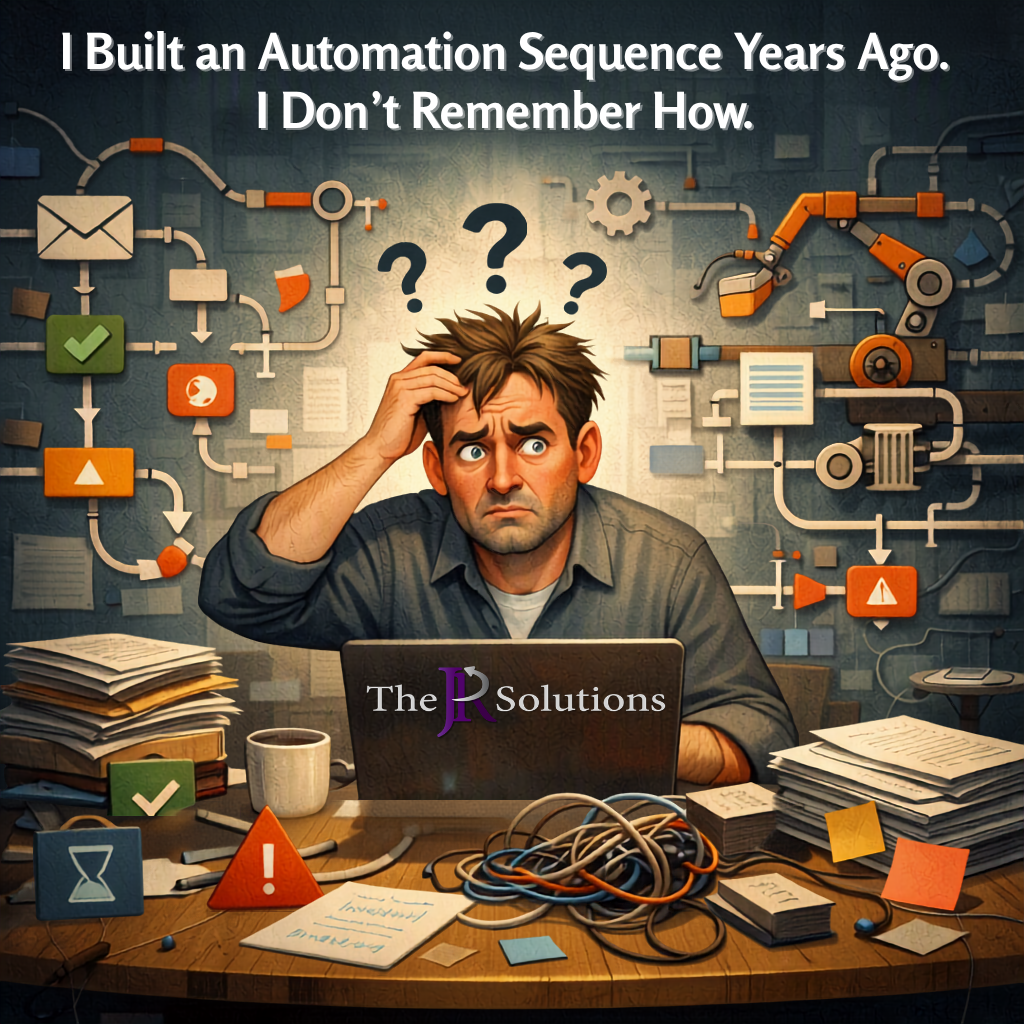
A 14-year email marketing consultant admits he doesn't have an automation sequence running — and explains why that's the right call for now. Part 2 of 3.
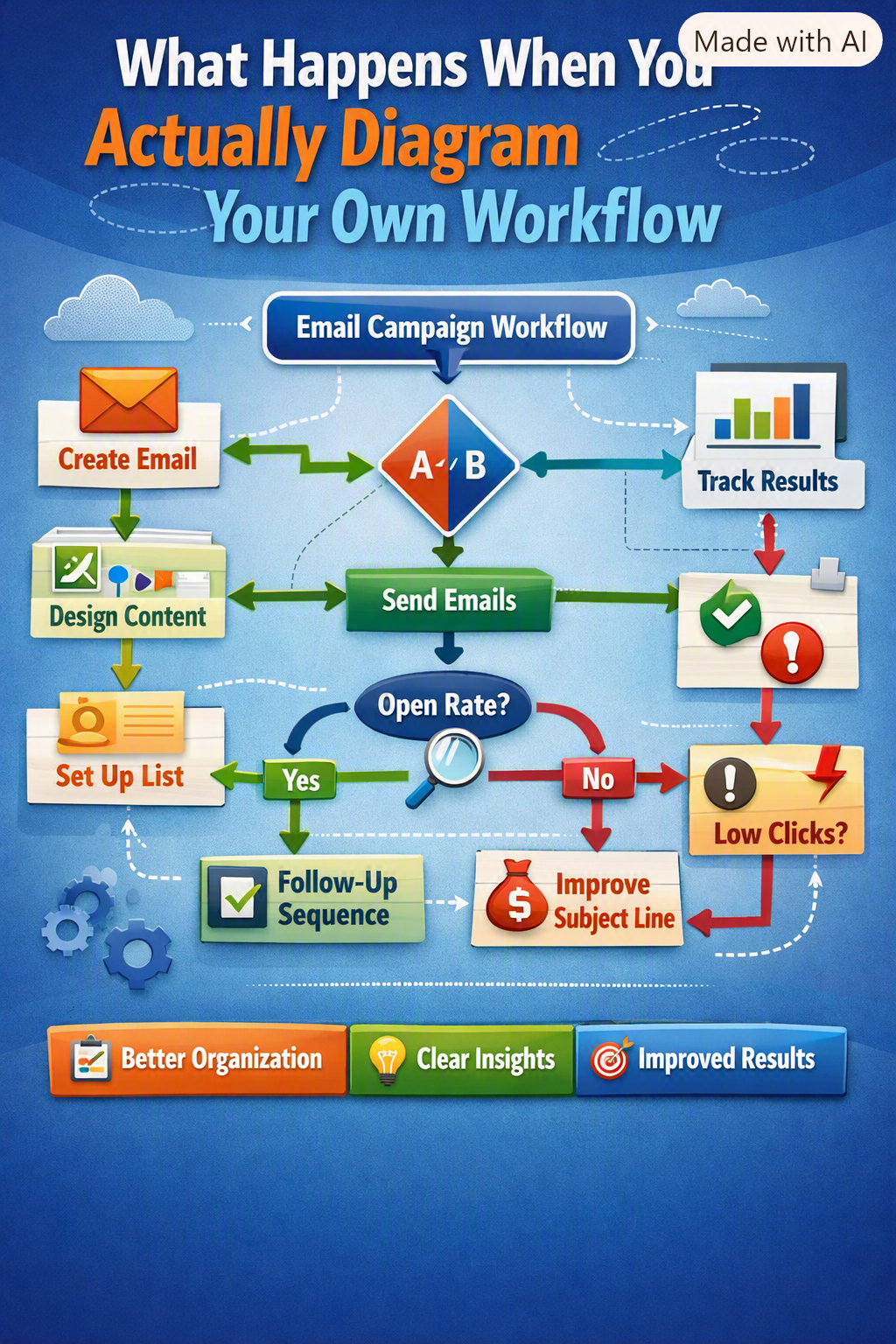
A 14-year email marketing consultant flowcharted his own campaign-building process — and found a real gap in it. Part 1 of a 3-part series.

A 14-year email marketing consultant ran a real 30-day test letting AI write client emails. Here's what worked, what broke, and what to actually do.
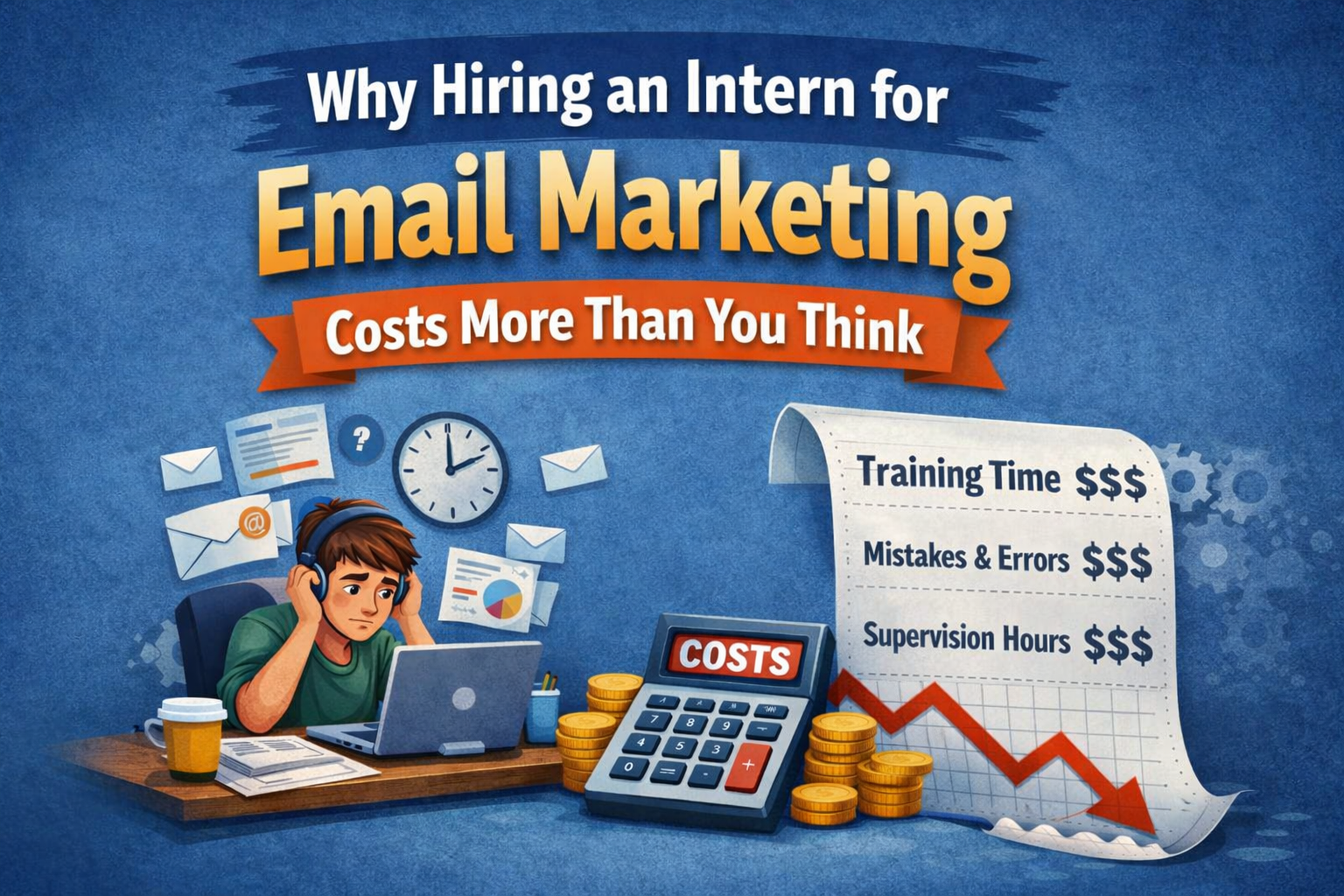
Thinking about hiring an intern to handle your email marketing? Here's the hidden cost most small business owners don't see until it's too late — from a 14-year Constant Contact partner.
Thinking about hiring an intern to handle your email marketing? Here's the hidden cost most small business owners don't see until it's too late — from a 14-year Constant Contact partner.

Gmail and Outlook quietly changed the rules in late 2025. Here's why your small business marketing emails may not be arriving — and what to do.

You are sitting at your desk, looking at the monthly numbers, and the thought crosses your mind: maybe email marketing would help the business. Then you look at the budget again and shake your head. “I can't afford it right now.” I have heard those exact words from more small business owners than I can count. And after nearly 14 years working with small businesses across Orlando and Central Florida, I want to share something that might change how you think about that sentence. Almost every time someone tells me they can't afford email marketing, money is not the real reason. That is not a sales line. It is something I have watched play out over and over. The math, when you look at it honestly, almost always says they can afford it. What is actually going on underneath the surface is usually something completely different. And until we name that, the conversation about email marketing for small businesses never goes anywhere useful. So let us look at it together honestly.
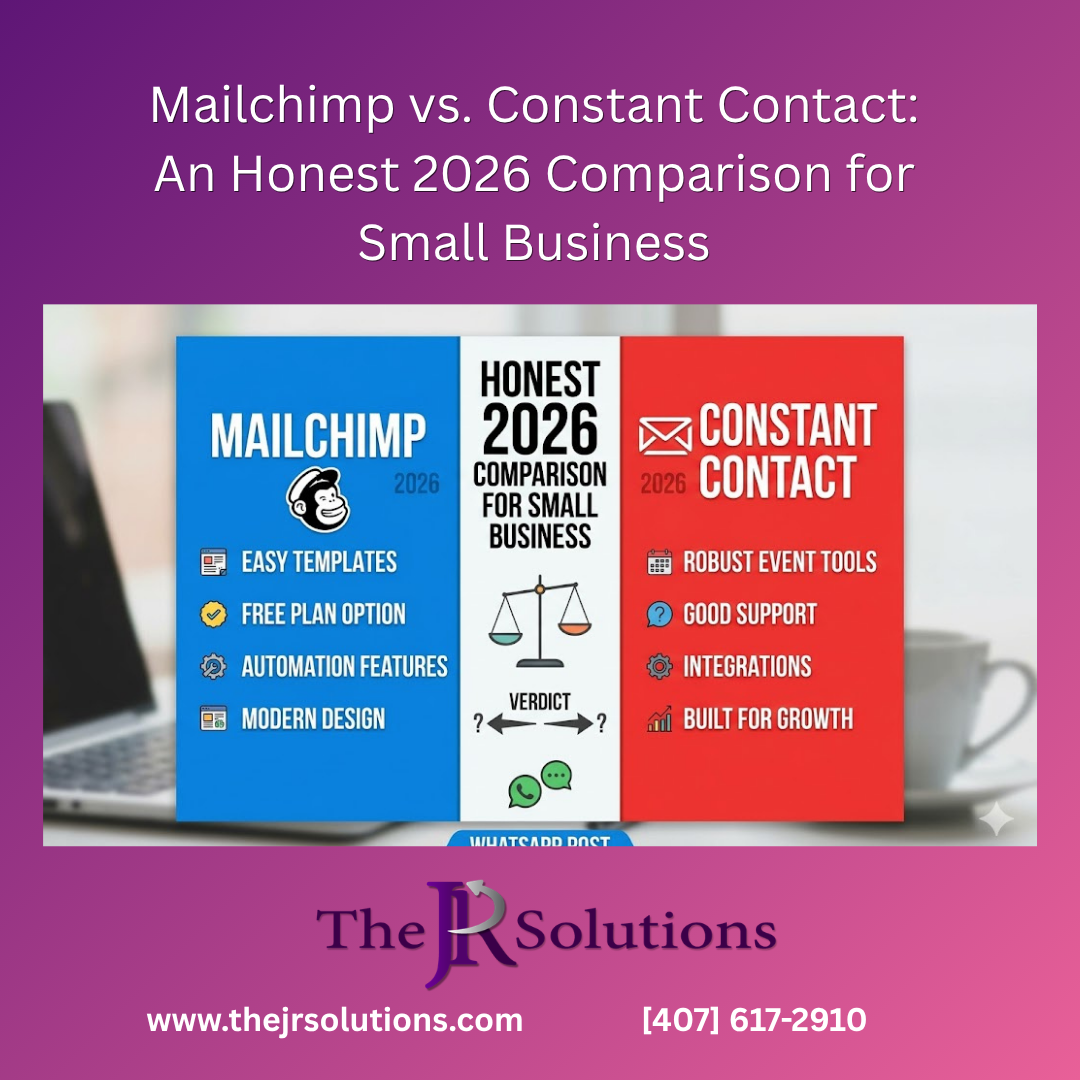
You are trying to choose an email marketing platform, and you keep landing on the same two names: Mailchimp and Constant Contact. Both are huge. Both have been around forever. Both have armies of fans online. And every comparison article you read seems to be quietly trying to sell you one of them. So let me do something different here — starting with the most important disclosure I can make. Full Disclosure Before You Read Another Word I am a Certified Constant Contact Business Partner . That is not a marketing label — it is a designation that requires me to pass a 50-question recertification exam every year on the platform’s latest features and updates, including any new tools they add. If I do not pass, I lose certain privileges. So yes, I have a professional relationship with Constant Contact, and yes, that relationship is earned and renewed annually, not free. I also have not personally used Mailchimp. What I know about Mailchimp comes from people who use it, from clients who have shared their experiences, and from Mailchimp’s own publicly published pricing pages and feature lists. I am telling you this up front because most comparison articles fake firsthand experience with both products. I would rather you know exactly where I sit and exactly what kind of source I am, so you can weigh everything that follows accordingly. Now, let us get into it. The Honest Headline: Both Platforms Are Real, and One of Them Has Been Quietly Changing Let me give you the fair version up front. Mailchimp is a real platform with real strengths. It is well-known, the interface is polished, the brand is famous, and at the very entry level, it is competitive on sticker price. Constant Contact is also a real platform with real strengths. It has been around since 1995, it focuses heavily on small business users, and the support model is genuinely different from most of the industry. Either one can work. The honest question is not “which one is better.” It is “which one is built for the kind of small business owner you actually are, in 2026?” To answer that, you have to look past the homepages and at what is actually happening with each platform. Where Mailchimp Has Been Headed (And Why It Matters) There is a story in Mailchimp’s pricing history that most comparison articles will not tell you, but it is the most important context I can give you. In 2021, Mailchimp was acquired by Intuit — the company behind QuickBooks and TurboTax — for $12 billion. Since that acquisition, here is what has happened publicly to Mailchimp’s pricing and free tier, by year: • In 2022, the free plan allowed up to 2,000 contacts. • By 2023, the free plan was reduced to 500 contacts. • As of 2026, the free plan caps at 250 contacts and 500 sends per month. • Paid plan prices have increased roughly 20–30% between 2022 and 2024. • Legacy account holders received an additional 11–13% increase in April 2026. That is an 87.5% reduction in the free plan in four years, plus paid increases on top. None of that is opinion — it is documented in Mailchimp’s own published pricing changes over time. The takeaway is not “Mailchimp is bad.” The takeaway is that Mailchimp’s business has been steadily moving upmarket since 2021 . They are increasingly built for larger enterprise customers, and the small business owner — you — is no longer the audience they are optimizing for. That is a fair observation about a company’s direction. And it is worth knowing before you sign up for a platform you plan to grow with. Sticker Price vs. Real Price: The Honest Money Comparison Here is where comparison articles usually get sneaky. They compare the lowest possible price of one platform to a higher tier of the other, and pretend that is apples to apples. Let me give it to you straight. At the entry level (500 contacts), the two are nearly identical on sticker price: • Mailchimp Essentials: about $13 per month • Constant Contact Lite: about $12 per month A dollar a month apart. Anyone telling you Constant Contact is wildly cheaper at this tier is not being straight with you. They are essentially the same starting price. The real difference shows up when you ask: “What am I actually getting for that dollar?” This is where the platforms diverge in ways that matter — and where the sticker price stops being the real price. Support: The Difference People Underestimate Until They Need It If there is one area where these two platforms are not even close, it is here. And this is the part where, from talking to Mailchimp users over the years, I have seen the most genuine frustration. Mailchimp: email support, often slow Mailchimp’s lower tiers do not include live phone support. When something goes wrong — your email did not send, your list will not import, your automation is misfiring, the deadline is today — your option is to email their support team and wait. People I know who use Mailchimp have told me that wait times can run up to three days before they hear back. Mailchimp does offer 24/7 chat and email support on paid plans, and faster priority support on the highest tier. But phone-based human assistance is not part of the standard small-business experience. The pattern I have heard from Mailchimp users, almost universally, is this: they have learned to find workarounds for problems rather than getting them solved. That is a real skill. It is also a tax — a hidden one paid in your time, your stress, and your missed deadlines. Constant Contact: free live phone support, six days a week Constant Contact includes free phone support six days a week on every paid plan. You can call as many times as you need, at no extra charge. A real human picks up, listens to your problem, and helps you fix it. That is genuinely unusual in this industry. Most platforms have offloaded customer support to chatbots and articles. Constant Contact has kept the phones open. And one more thing about support, if you go this route: as a Certified Constant Contact Business Partner, you can also call me for free. As many times as you need. No retainer, no clock running. That is just what I do. If you are a small business owner who handles a hundred things at once, the difference between “wait three days for an email reply” and “dial a number and get a person” is not a small detail. It is the difference between marketing that runs and marketing that stalls. Three Hidden Cost Patterns to Watch For Beyond sticker price, here are three ways the real bill can be higher than the marketing page suggests — things every small business owner deserves to know before committing. 1. You may pay for contacts who do not want your emails On Mailchimp, your bill is based on your total contact count — which includes unsubscribed contacts still sitting in your account. In other words, you can pay every month for people who have already told you they do not want to hear from you. That has caught many small business owners off guard, and according to independent pricing analyses, this single quirk can inflate actual bills by 20–40% above what the pricing page advertises. Constant Contact handles this differently. When a contact unsubscribes, the platform actively recommends removing them from your list so you stop paying for them. It is also one of the first things I tell my clients to do, because there is a bigger reason beyond billing: keeping unsubscribers on your list quietly hurts your deliverability. Email providers like Gmail and Outlook watch how recipients engage with your mail. A clean, engaged list lands in inboxes. A bloated list with disengaged contacts gets pushed to spam. So, removing unsubscribes saves you money and helps your future emails actually reach the people who want them. That is the kind of small detail you only learn from someone who works inside the platform every day. 2. The free plan is more limited than it looks Mailchimp’s free plan caps at 250 contacts and 500 monthly sends, with Mailchimp branding on every email and no multi-step automation. For a real small business trying to actually grow, that is more of a sampler than a usable plan. It is fine to learn on. It is not a place to run a business from. Constant Contact does not offer a forever-free plan. What it offers instead is a 30-day free trial with no credit card required , where you can load up to 100 contacts and test all of the features at full strength. Different model: trial then commit, versus stay-free-but-stuck-small. Which is better depends on what you actually want. 3. Add-on features stack up Both platforms charge extra for some features (text message marketing, advanced previews, transactional emails). That is normal. But before you commit to either, read the fine print and ask yourself which add-ons you will actually need so the comparison is honest. A Quick Side-by-Side, the Honest Way Pricing at 500 contacts: • Mailchimp Essentials: about $13/month • Constant Contact Lite: about $12/month — nearly identical Free option: • Mailchimp: forever-free at 250 contacts with branding and limited features • Constant Contact: 30-day free trial with full features, no credit card required, up to 100 contacts Phone support: • Mailchimp: not standard — email and chat, with potential multi-day waits • Constant Contact: free phone support six days a week on every paid plan Email send limits: • Mailchimp: tied to contact tier • Constant Contact: no daily send cap (though just because you can send daily does not mean you should — your subscribers will tire of it fast) Contact billing on unsubscribers: • Mailchimp: bills you based on total contacts, including unsubscribers still in your account • Constant Contact: actively recommends removing unsubscribed contacts, so you do not pay for people who no longer want your emails — and your deliverability improves as a bonus Direction of the business: • Mailchimp: moving upmarket since the 2021 Intuit acquisition • Constant Contact: still small-business-focused since 1995 So Which One Is Right for You? Here is the honest answer, the kind I would give a friend over coffee: Mailchimp might be fine for you if… • You are comfortable with technology and prefer figuring things out on your own. • You are okay waiting on email-based support when something breaks. • You have a tiny contact list and just want to play with the basics for free. • You do not mind paying for unsubscribed contacts as your list grows. Constant Contact is probably better for you if… • You want to call a real human when you have a question — and you do not want to pay extra for that privilege. • You value time saved more than $1 a month saved. • You want a platform that has stayed focused on small businesses since 1995. • You like the idea of being able to call your Certified Business Partner directly when you are stuck. Most of the small business owners I work with in Central Florida fit the second list. If you are honest with yourself about how much time you actually have to troubleshoot a platform versus how much you want to spend running your business, you probably fit the second list, too. So, Where Does This Leave You? Here is the honest pattern I have seen over and over with the small business owners I talk to in Central Florida. The decision is rarely really about Mailchimp versus Constant Contact. It is about a deeper question: Do you have the time and energy to run email marketing yourself — troubleshoot a platform, write the campaigns, manage the list, learn the analytics — or would you rather have someone handle it for you while you focus on running your business? Both answers are legitimate. Here is what each one looks like . If you would rather have it handled for you This is what most small business owners I work with ultimately choose, once they do the honest math on what their time is worth. When you work with me, you get a Certified Constant Contact Business Partner running your email marketing end-to-end. That means strategy, writing, design, scheduling, list management, troubleshooting — all of it — for one steady monthly fee. The platform is handled. The support questions never reach you. You focus on your business; I focus on the marketing function. I call this your external marketing department , and for most small businesses, the time you get back is worth more than the fee. Email me at john@thejrsolutions.com or call 407-617-2910 for a free 30-minute consultation. No pressure, no jargon, no pixie dust — If you would rather have it handled for you. If you want to see exactly how my services and pricing work, the honest pricing guide breaks it all down . And if you are still weighing whether to hire an agency, a consultant, or do it yourself, this honest comparison may help you decide . If you would rather run it yourself Some small business owners have the time and the interest to handle their own email marketing. If that is you, do not let anyone talk you out of it. The DIY path can work, especially if you start with the right platform and use the support it offers. You can start your 30-day free Constant Contact trial here — no credit card required, up to 100 contacts, full features. As a Certified Constant Contact Business Partner, I earn a commission if you sign up through that link, which is the disclosure I made at the top of this article. Whether or not you ever hire me, you can call me for free if you get stuck along the way. That offer is open to anyone who signs up through that link. The worst move is staying stuck because you cannot decide. Either path — hiring help or starting yourself — beats doing nothing. The trick is starting.